Scan, find
Offline Scanner scans documents with your camera and turns them into PDFs and searchable text. No account, no cloud: nothing leaves your phone.
For Android, free. The scanner module downloads once on first use (about 200 KB); after that it is fully offline. Privacy Policy
A scan's journey
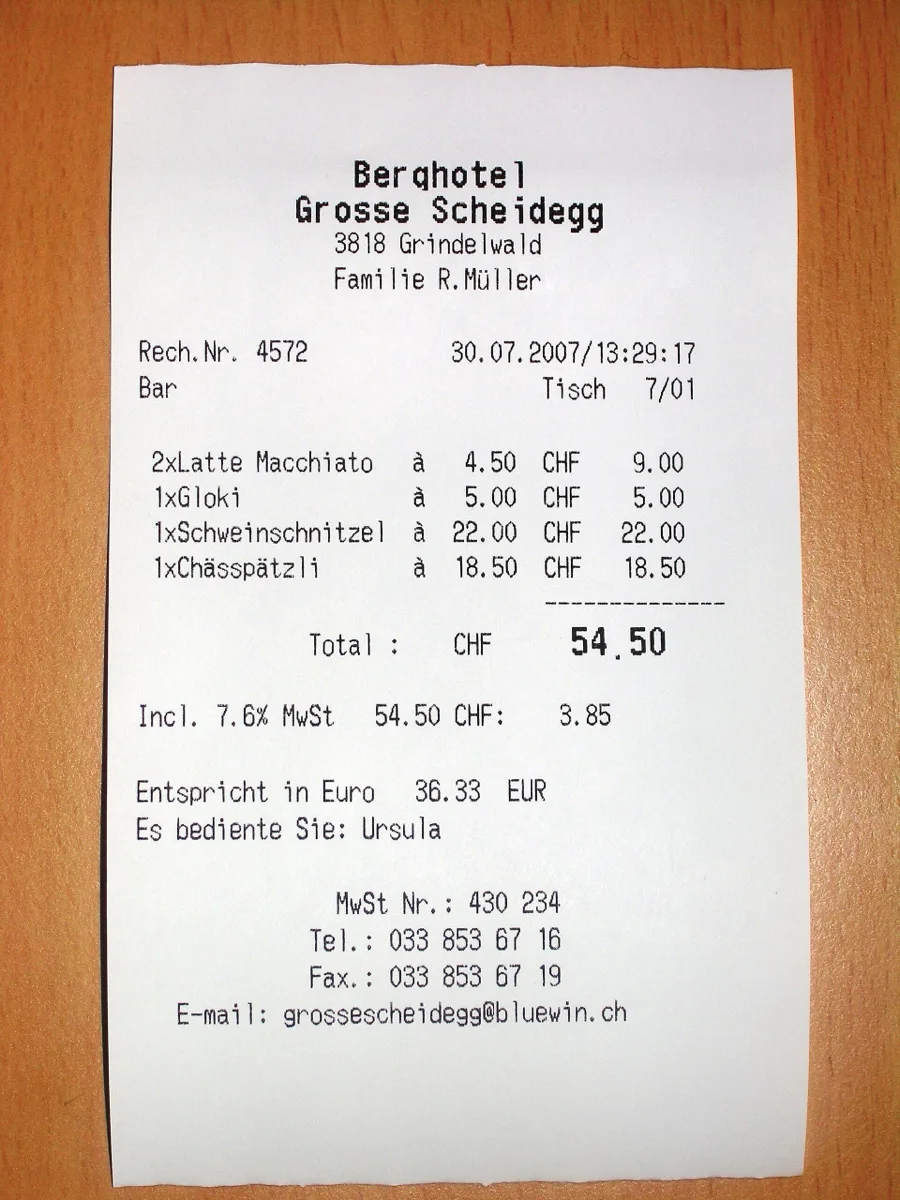
Edges found
First the camera finds the edges.
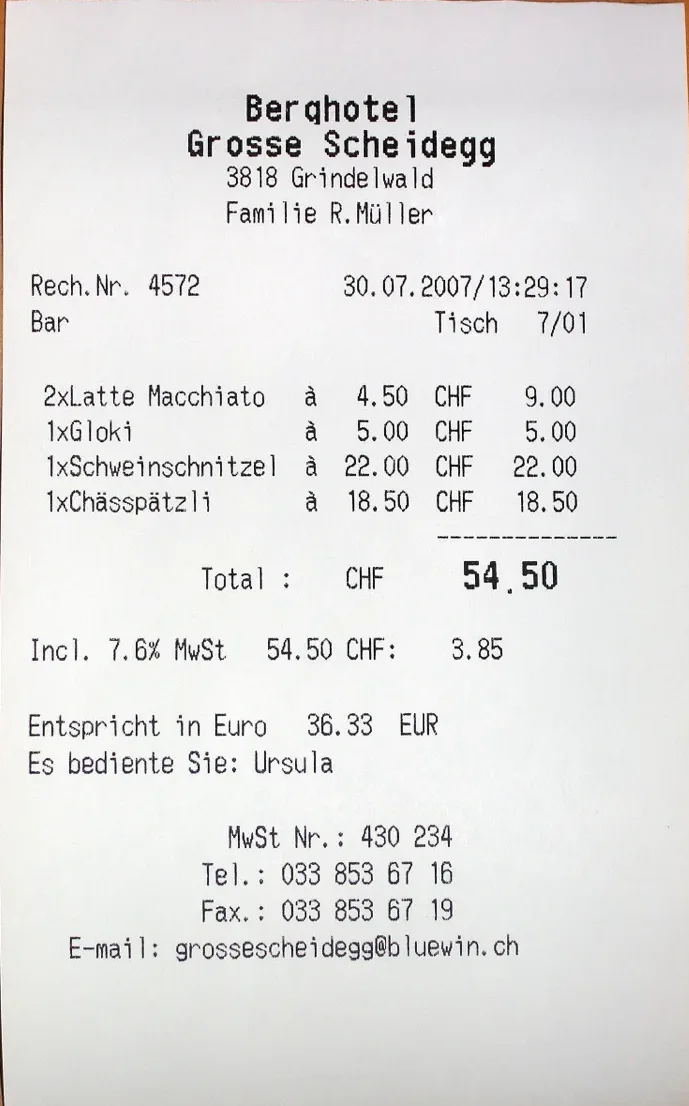
Page 1 · flattened
Then the page is flattened.
Berghotel Grosse Scheidegg
9 Nov 2026 01:16 · 1 page
Recognised text · On device
Berghotel Grosse Scheidegg
3818 Grindelwald
Rech.Nr. 4572 · 30.07.2007
2x Latte Macchiato à 4.50 CHF 9.00
1x Schweinschnitzel à 22.00 CHF 22.00
Total: CHF 54.50
Text is recognised, on the device.
Berghotel Grosse Scheidegg
…1x Schweinschnitzel à 22.00 CHF…
9 Nov 2026 01:16 · 1 page
It sits in your list, searchable.
What it does
Whatever the paper: a receipt, a letter, a notebook, a petition. All of it becomes a PDF and text on your phone.
-
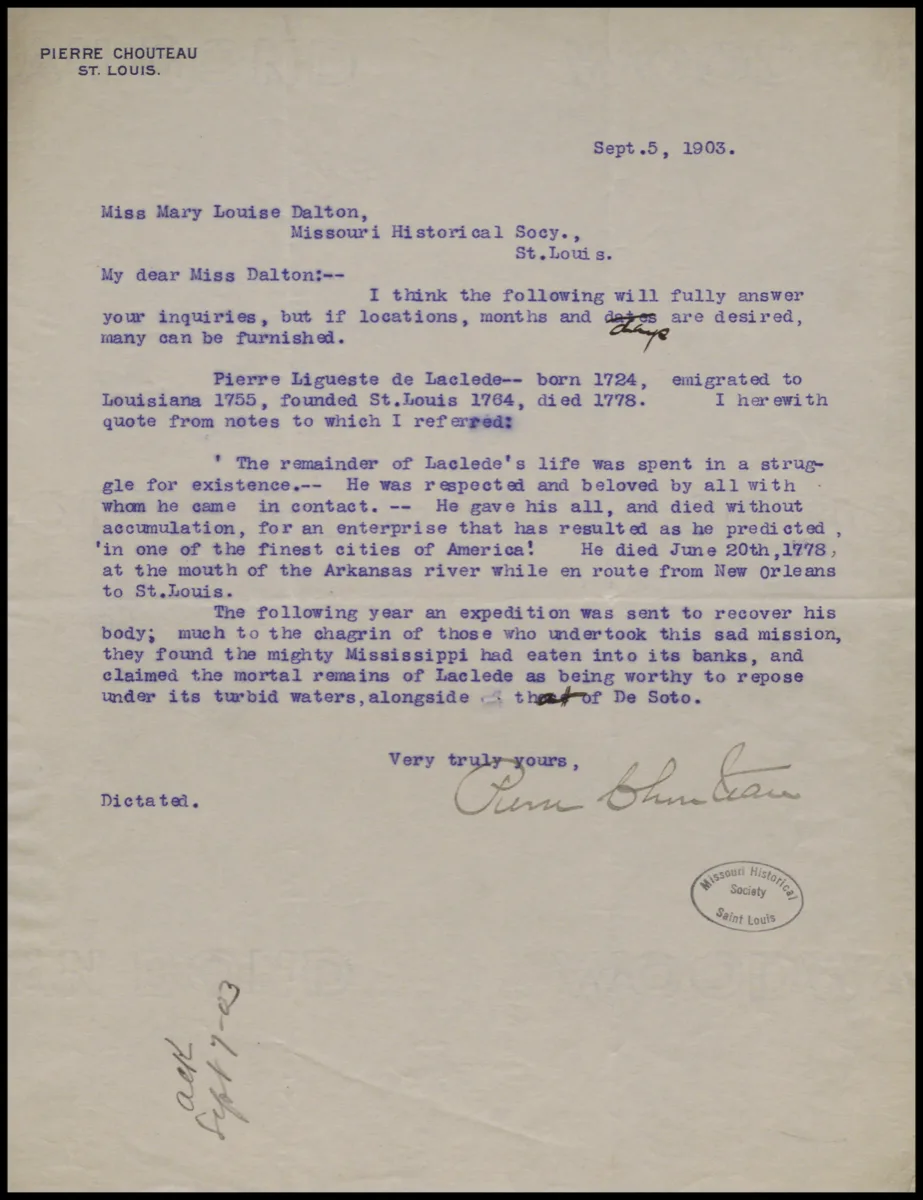
Scan with the camera or import
Documents, receipts, notes, letters.
-
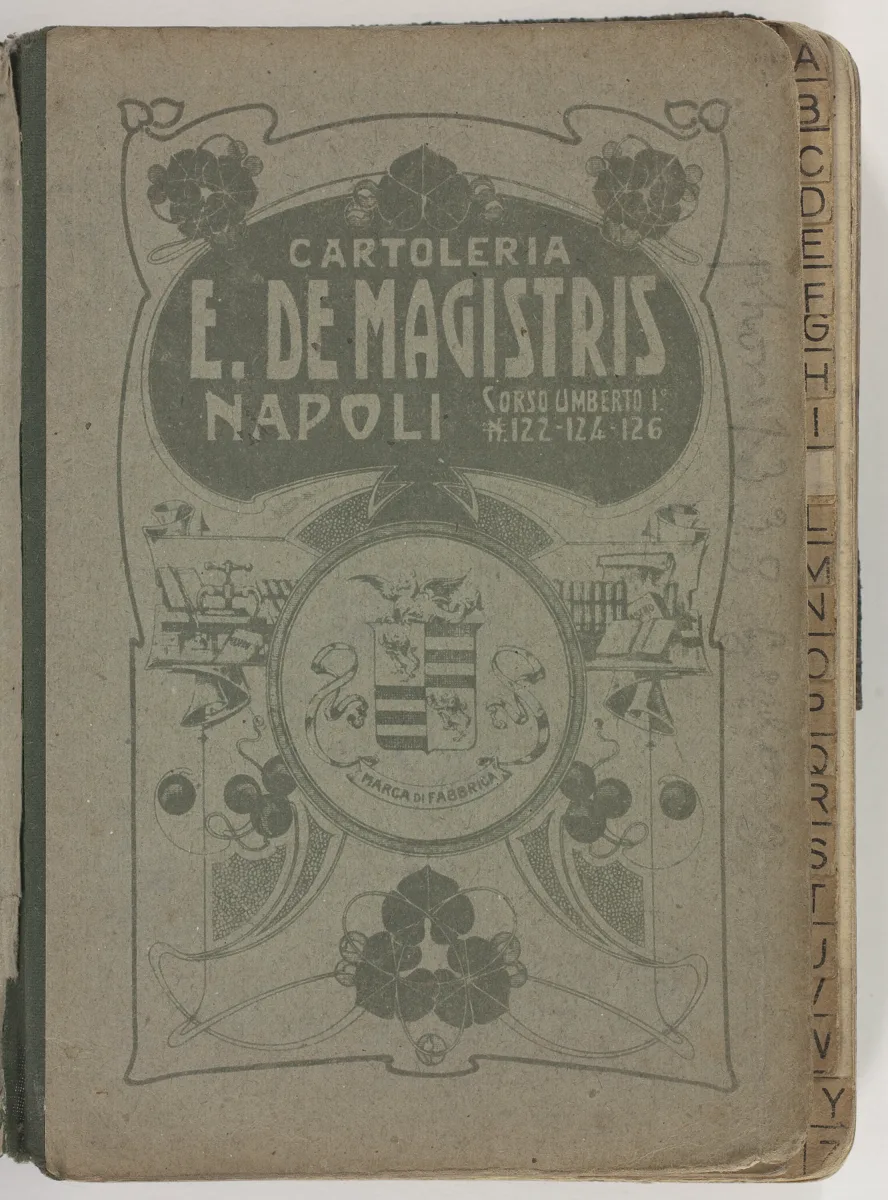
Multi-page PDFs in one go
Scan page after page; it becomes one PDF.
-
Automatic edge detection
Perspective is corrected; the table leaves the frame.
-
On-device OCR
Text from every page; languages written in the Latin alphabet.
-
Search across every scan
Type a name, an amount or a date; results come from the text.
-

Share the PDF or the text
Copy the text, send the PDF.
Common questions
Is Offline Scanner paid?
No, it is free and supported by ads. Ads do not appear on the scanning screen; they come after a PDF is saved and when you return to the app.
Are my documents uploaded anywhere?
No. Scanning, PDF creation and text recognition all happen on your phone; there is no account and no cloud upload. Only ads use the internet.
Does it work without internet?
Yes. The scanner module is downloaded once through Google Play services the first time you use it (about 200 KB). After that, scanning works fully offline.
Which languages does text recognition support?
Languages written in the Latin alphabet: English, Spanish, Portuguese, German, Turkish, Indonesian and the like.
What does the search look through?
The recognised text and the name of every scan. Type a name, an amount or a date; matching scans stay in the list.
Which phones does it run on?
Android 7.0 and up, on phones with Google Play services.
Your scans,
on your phone.
Open it on Google Play and scan your first document. Scanning, PDFs and text recognition stay on the device. Type a word into the box on the Scans screen: the four sample documents find it in their text.
Scans
Offline · private
-
Berghotel Grosse Scheidegg
Berghotel Grosse Scheidegg, 3818 Grindelwald, Familie R. Mül…
9 Nov 2026 01:16 · 1 page
-
Pierre Chouteau, St. Louis
Sept. 5, 1903. Miss Mary Louise Dalton, Missouri Historical …
9 Nov 2026 01:15 · 1 page
-
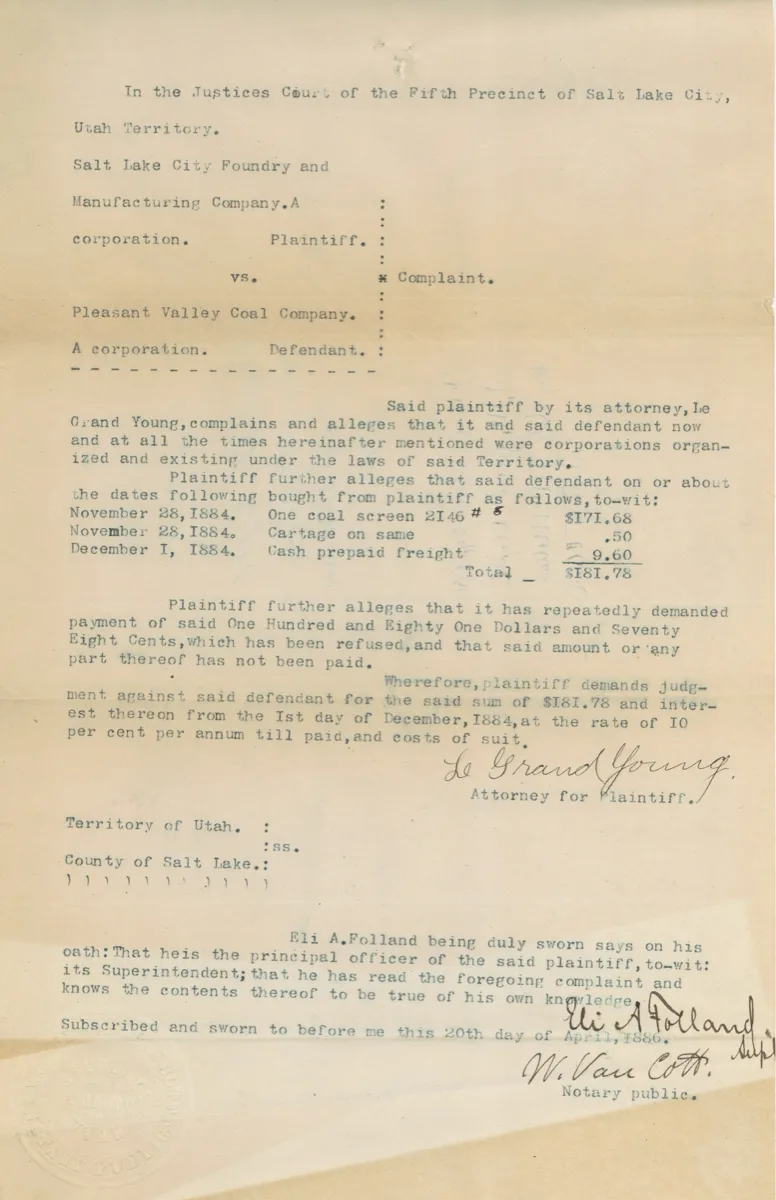
Justices Court, Salt Lake City
In the Justices Court of the Fifth Precinct of Salt Lake Cit…
8 Nov 2026 18:40 · 1 page
-
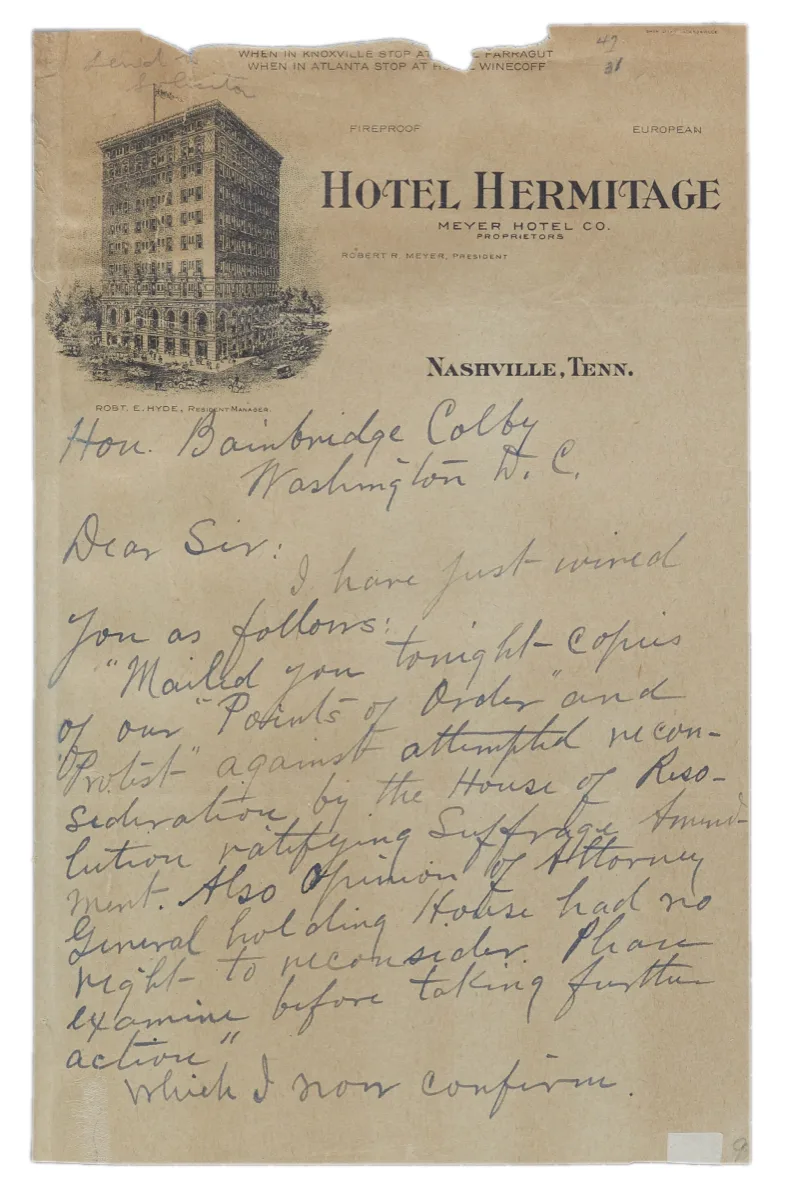
Hotel Hermitage, Nashville
Hotel Hermitage, Meyer Hotel Co., Proprietors. Robert R. Mey…
8 Nov 2026 18:22 · 1 page
Sample documents come from open collections; none is a scan made with the app: ReceiptSwiss (Audrius Meskauskas, CC BY-SA 3.0; cropped to the page); Pierre Chouteau, 1903 (Missouri Historical Society, public domain); Utah Territory, 1886 (public domain); T. K. Riddick, 1920 (NARA, public domain); Notebook, Mastrino, c. 1920 (Museums Victoria, CC BY 4.0).


