



Remove, replace, blur
On-device AI finds the person or object in your photo; you decide what happens to the background.
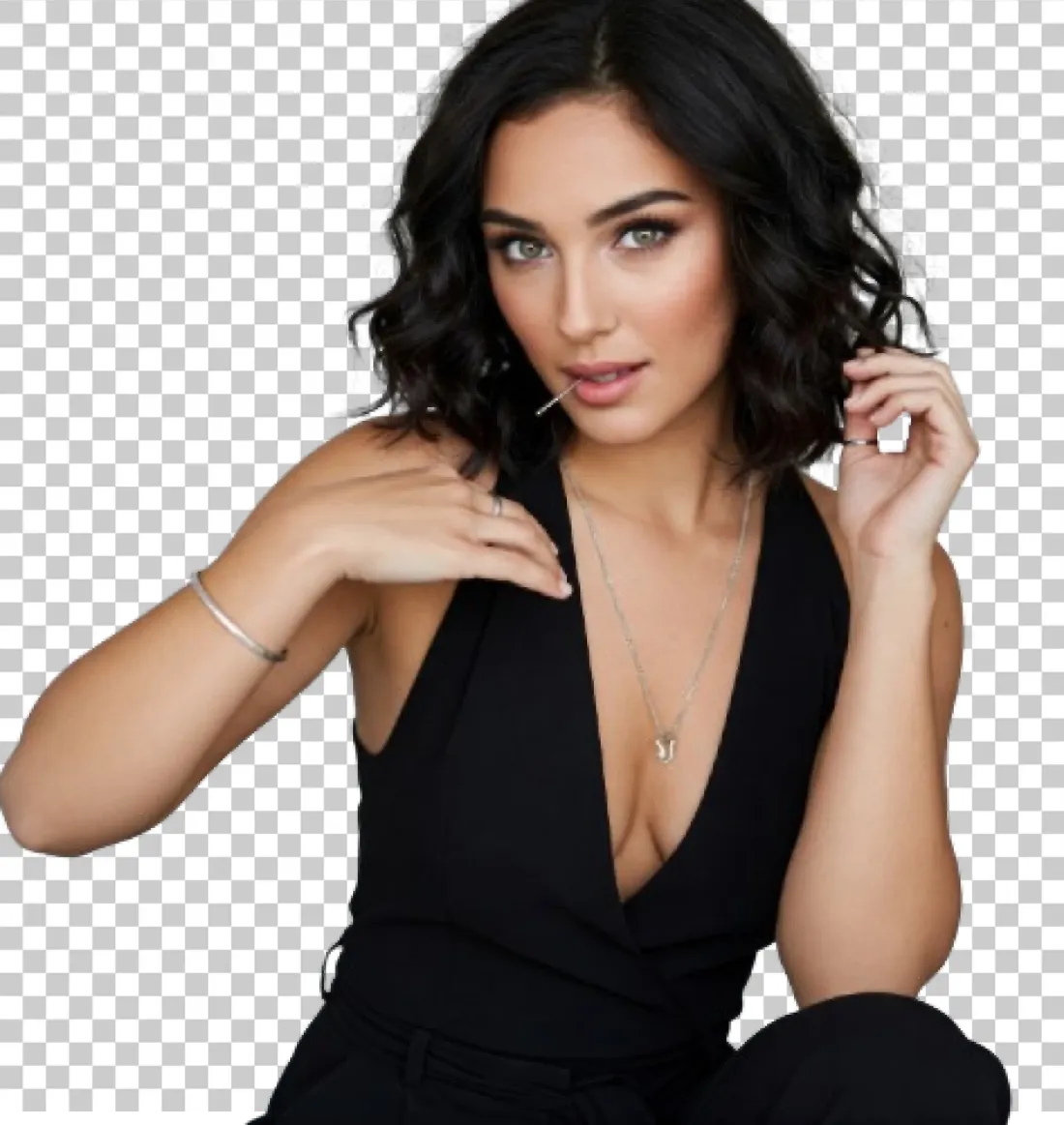
Remove the background
AI finds the subject and removes everything else. Save the cut-out as a full-resolution transparent PNG, trimmed tight to the subject if you like.
Transparent PNG, full resolution
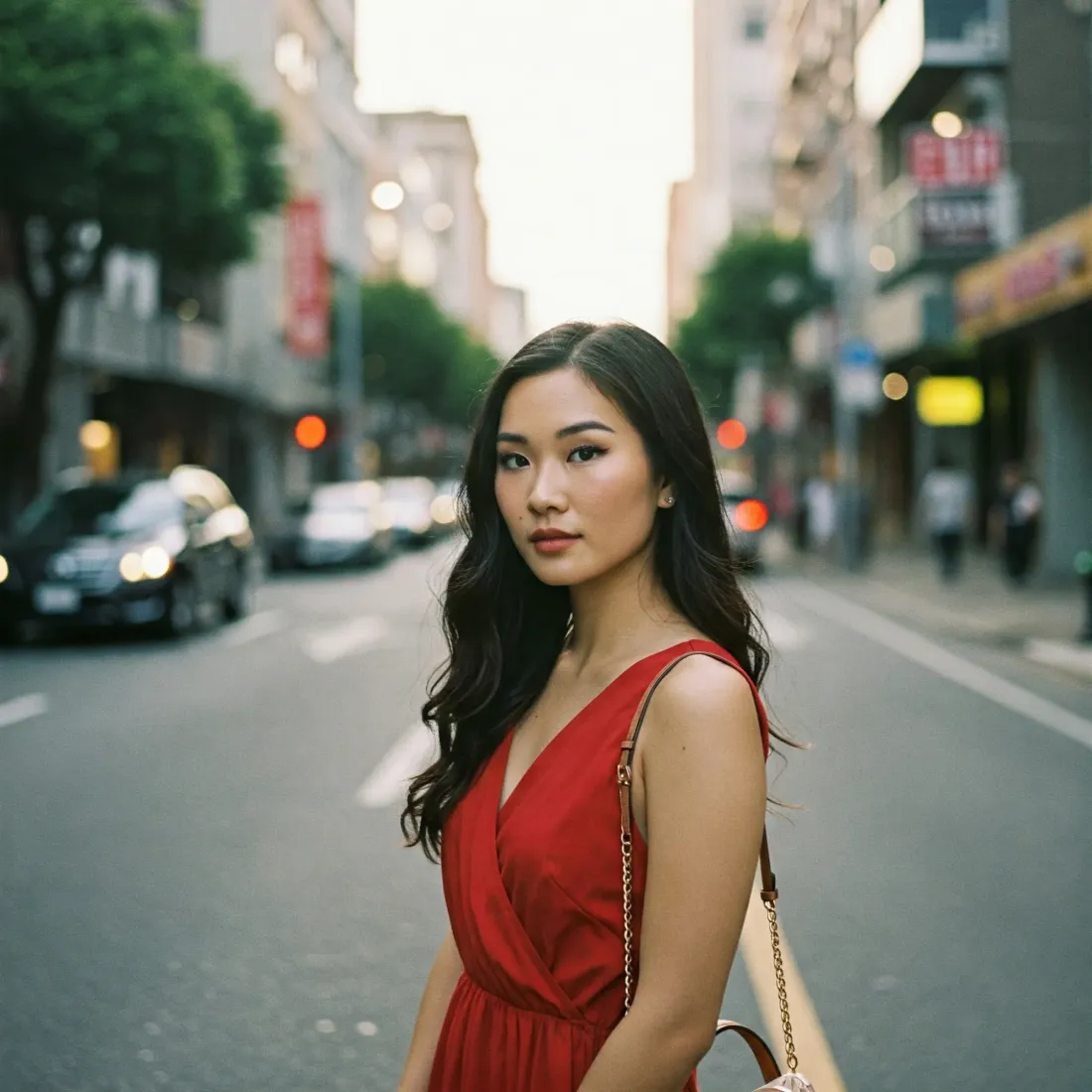
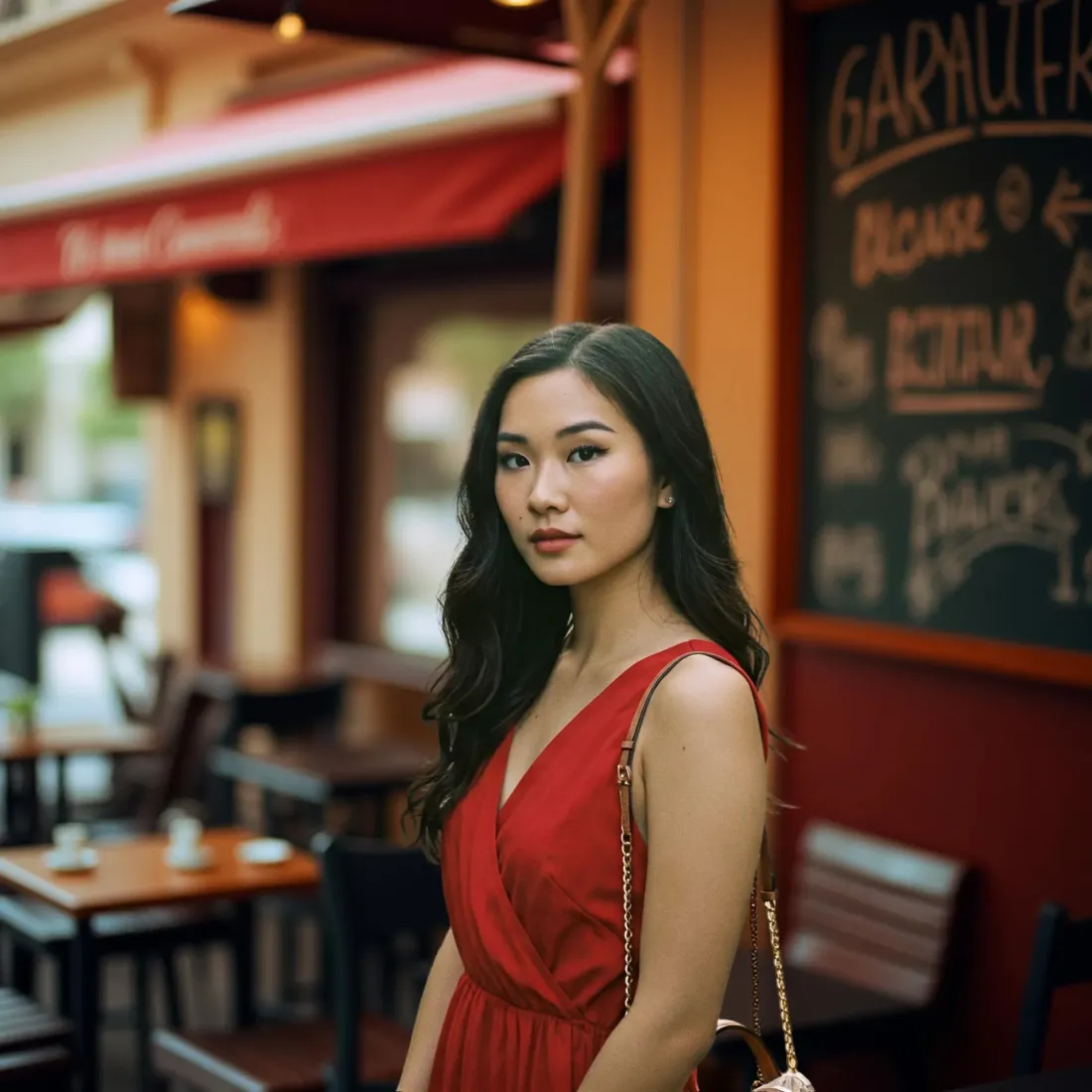
Replace the background
Put yourself in a city, a fantasy world or nature, or pick a solid color. Any photo from your gallery works as a background too; drag the subject, pinch to resize.
City, fantasy, minimalist, nature, seasonal or a solid color
Blur the background
A soft portrait look on any photo. One slider sets the strength; tap Compare to see the original.
Blur strength from 1 to 25
One photo, three tools
Switch between Remove, Replace and Blur on the same photo without starting over.
Your photos are processed on your device and never uploaded. Results are saved to a “Background Wizard” album in your gallery.
Pick, adjust, save

Pick a tool
On the home screen, tap Remove, Replace or Blur.

Adjust the photo
Pick a photo from your gallery or camera, then choose the background or the blur strength.

Save and share
The result goes to a “Background Wizard” album in your gallery, ready to share to any app.
Common questions
Does Background Wizard cost anything?
No. It is free and supported by ads, and no ads appear while you edit. Extra background collections unlock for 24 hours after a short ad.
Are my photos uploaded anywhere?
No. The AI that finds the subject runs on your phone, so your photos stay on your device.
What format is the cut-out saved in?
A transparent PNG at full resolution. You can trim the empty edges so it fits the subject tightly.
Can I use my own photo as the background?
Yes. Pick any photo from your gallery, or use the city, fantasy, minimalist, nature and seasonal collections or a solid color.
Where do my saved photos go?
To a “Background Wizard” album in your gallery. After saving you can share straight to any app.
Which devices does it run on?
Devices running Android 7.0 or later. The app is available in English, Turkish and six more languages.
You pick the background
Free to download, and your photos never leave your device.
Android 7.0 and later
Open on Google Play